



































































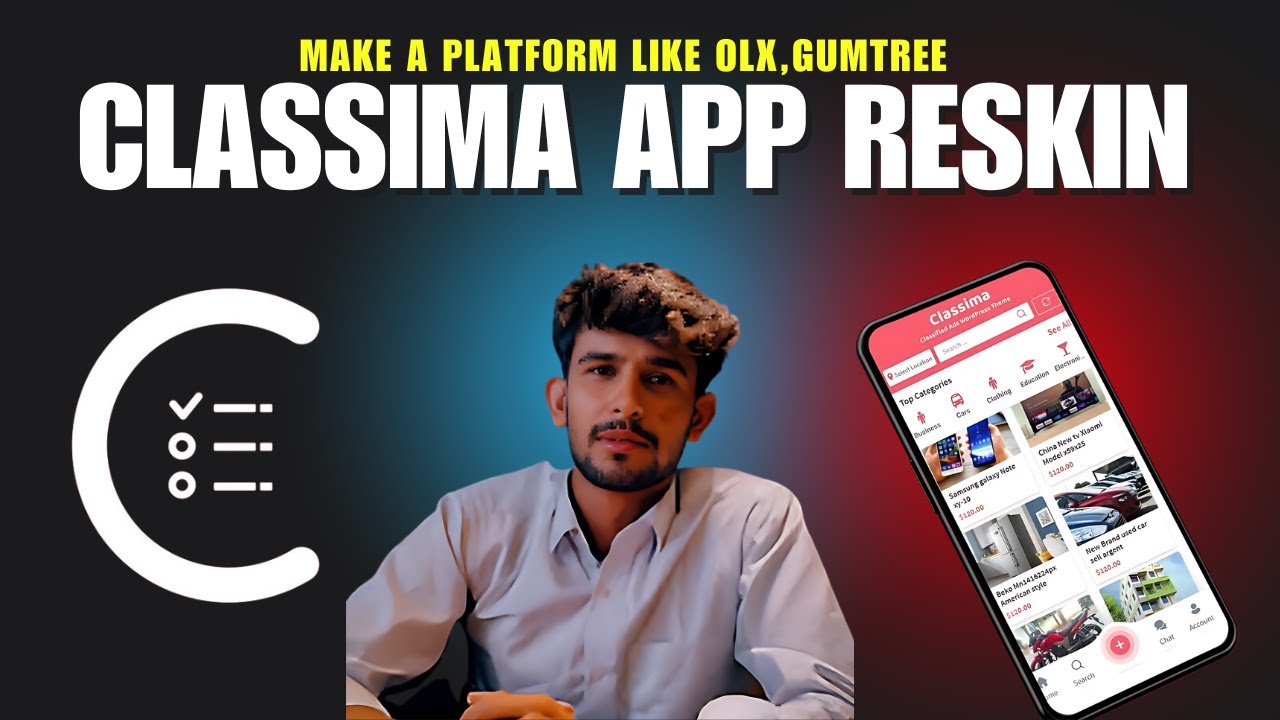
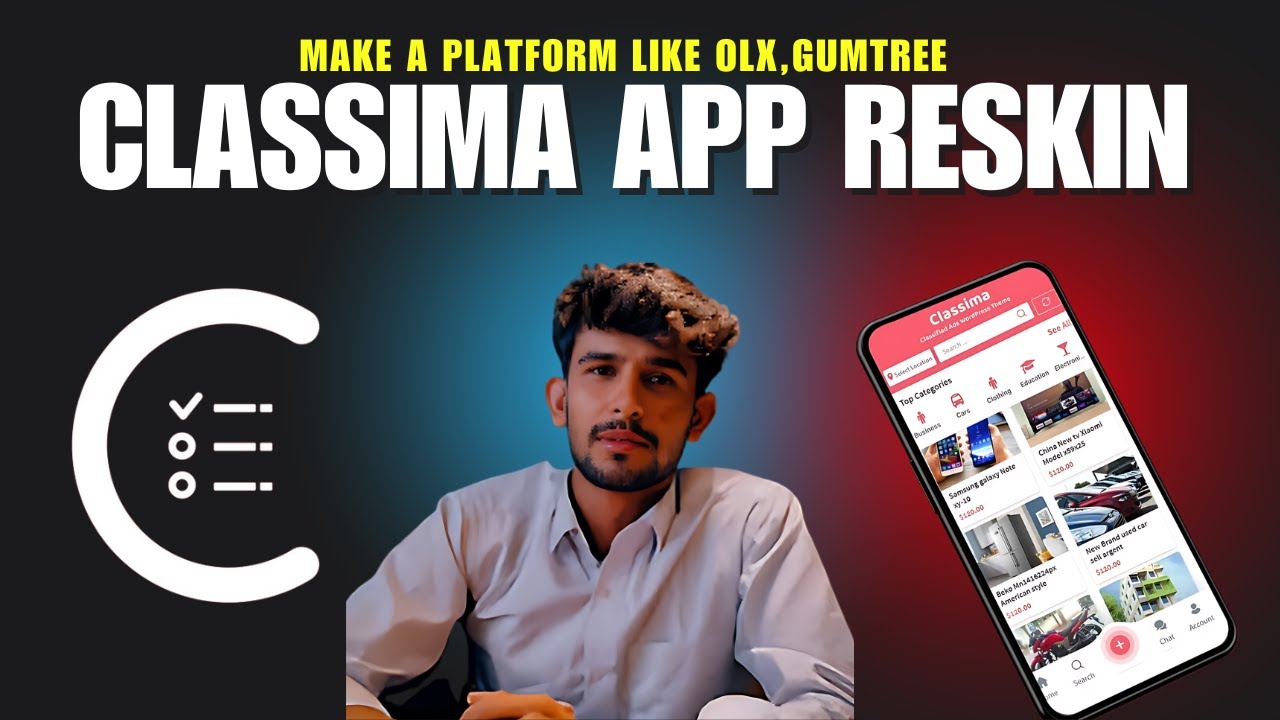
Classima App Reskin – Complete Practical Course

Organization
About This Course
This course teaches you how to reskin and rebrand the Classima classified ads mobile app for Android & iOS, from basic setup to final build and publishing. It is designed for developers and entrepreneurs who want to launch their own marketplace app quickly using existing source code.
Target Audience
Flutter / React Native developers
WordPress + App integration users
Startup founders & freelancers
CodeCanyon / RadiusTheme buyers
Beginners with basic mobile development knowledge
Course Requirements
Basic knowledge of mobile apps
Android Studio installed
Xcode (for iOS – macOS required)
Purchased Classima App source code
Basic understanding of Firebase & APIs (recommended)
Learning Outcomes
After completing this course, you will be able to:
Fully reskin the Classima app
Change branding, colors, icons & splash screens
Configure backend & API connections
Build Android (APK/AAB) & iOS apps
Prepare app for Play Store & App Store
Course Curriculum
Module 1: Introduction & Setup
Lesson 1: What is App Reskinning?
What reskin means
Legal & licensing considerations
When reskinning is the right choice
Lesson 2: Understanding Classima App Structure
App architecture overview
Frontend vs backend
Important folders & files
Lesson 3: Environment Setup
Installing Android Studio
Installing required SDKs
Opening Classima source code
Module 2: Branding & UI Customization
Lesson 4: App Name & Package Name
Changing app name
Changing package / bundle ID
Avoiding common mistakes
Lesson 5: App Icon Customization
Creating app icons
Replacing Android icons
Replacing iOS icons
Lesson 6: Splash Screen Customization
Designing splash screen
Updating Android splash screen
Updating iOS launch screen
Lesson 7: Theme & Color Changes
Primary & secondary colors
Fonts & text styles
Button & UI consistency
Module 3: Backend & API Configuration
Lesson 8: API & Website Connection
Connecting WordPress backend
API base URL setup
Testing API responses
Lesson 9: Firebase Configuration
Creating Firebase project
Android Firebase setup
iOS Firebase setup
Push notifications basics
Module 4: Feature Configuration
Lesson 10: Ads & Categories Setup
Categories management
Custom fields setup
Location & map integration
Lesson 11: User Authentication
Login & signup flow
Social login overview
Common auth issues
Lesson 12: Images & Media Handling
Image upload limits
Performance optimization
Storage configuration
Module 5: Testing & Debugging
Lesson 13: Running App on Emulator
Android emulator setup
iOS simulator setup
Lesson 14: Common Errors & Fixes
Gradle errors
SDK version issues
Build failures
Module 6: Build & Publishing
Lesson 15: Android Release Build
Generate signed AAB
Keystore configuration
Play Store requirements
Lesson 16: iOS Release Build
Xcode archive
Certificates & profiles
App Store submission checklist
Module 7: Monetization & Growth
Lesson 17: Monetization Options
Featured ads
Subscription models
In-app purchases overview
Lesson 18: App Optimization & Marketing
App Store Optimization (ASO)
User retention tips
Scaling the platform
Final Project
Fully reskinned Classima app
Custom branding
Working backend connection
Release-ready build
Course Deliverables
Reskinned Android App
Reskinned iOS App
App publishing checklist
Error-fixing reference guide
Certificate
Certificate of Completion: Classima App Reskin Specialist
Bonus Modules (Optional)
Multi-language support
Payment gateway integration
Admin panel optimization
Performance tuning
End of Course
Recent Reviews
See what students are saying about the course.
Curriculum Overview
This course includes 0 modules, 0 lessons, and 0 hours of materials.
Zabih Ullah
Course Specifications
Subscribe to Our Newsletter


Additional Links
Contact Certificate Validation About us Terms & Conditions Privacy Policy Refund & Cancellation Policy Parents Trust & SafetyContact US





Zabih Ullah
Zabih Ullah
Zabih Ullah
Zabih Ullah